GUIDED TOUR ❝ILLUMINATED MANUSCRIPT HUB❞
"Collection" Page
"Collection" Page
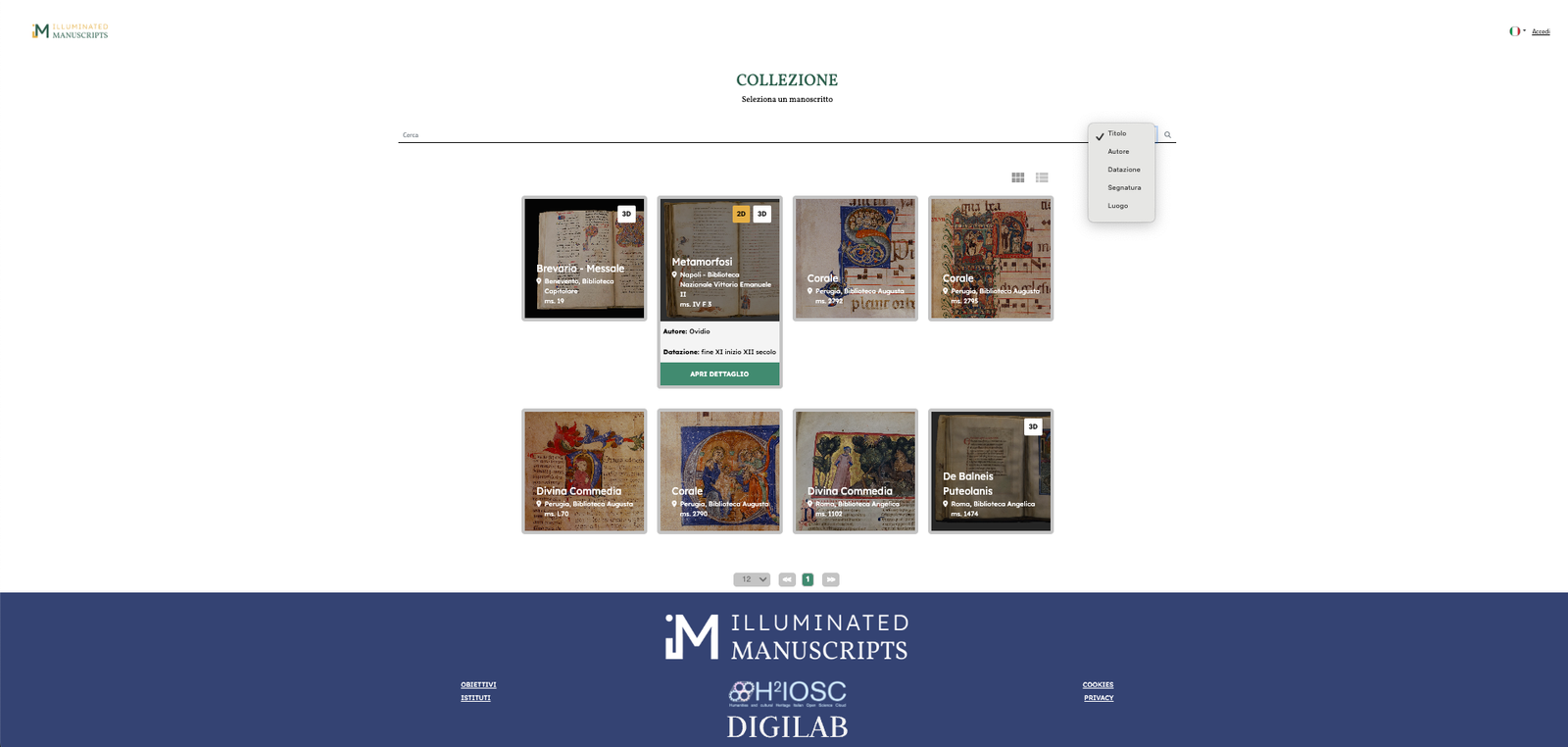
A landing page, where users can browse the list of available manuscripts. It can be visualised as a grid or as a list depending on the user’s navigation preferences.
Each manuscript entry immediately provides information about the availability of 2D viewer, 3D player or both. A search function allows users to filter manuscripts by title, author, conservation place (city or Library), and period.
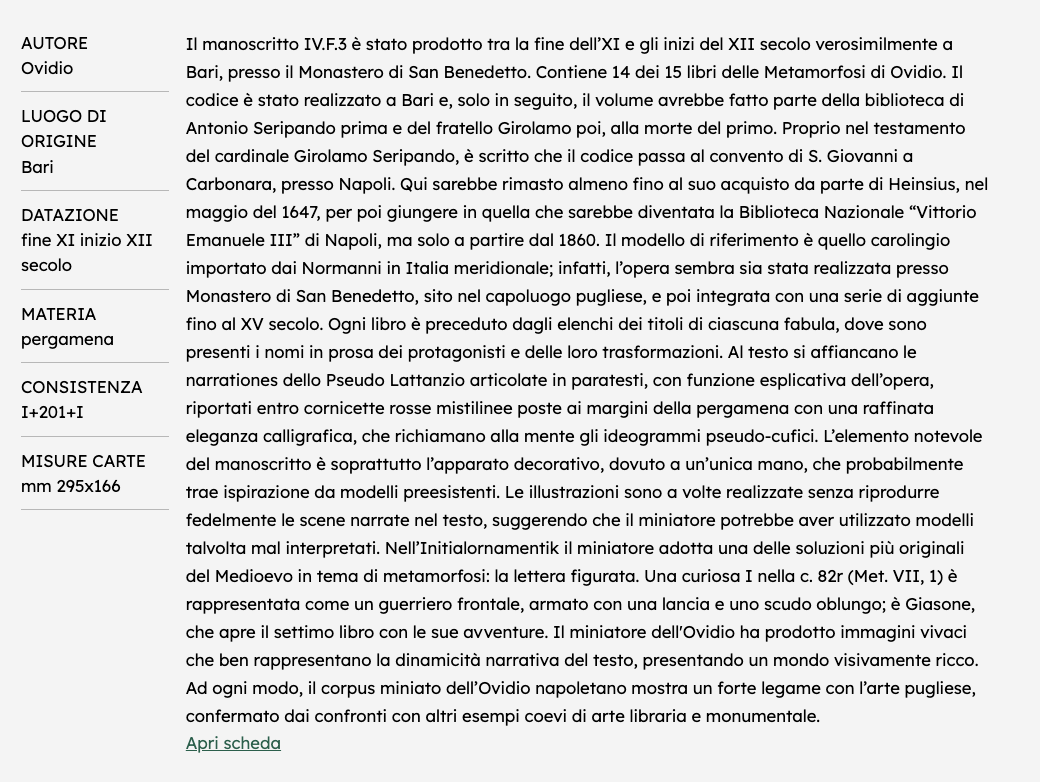
By selecting a manuscript, users access to its detailed page, which, at the beginning, presents a series of basic information:
● Author
● Place of production
● Dating
● Material
● Consistency (number of pages)
● Folio measurement
These metadata are accompanied by a narrative abstract about the manuscript. It follows a link to the catalogue card of the manuscript.
In the middle section of the page users can access to the three main manuscript representation tools:
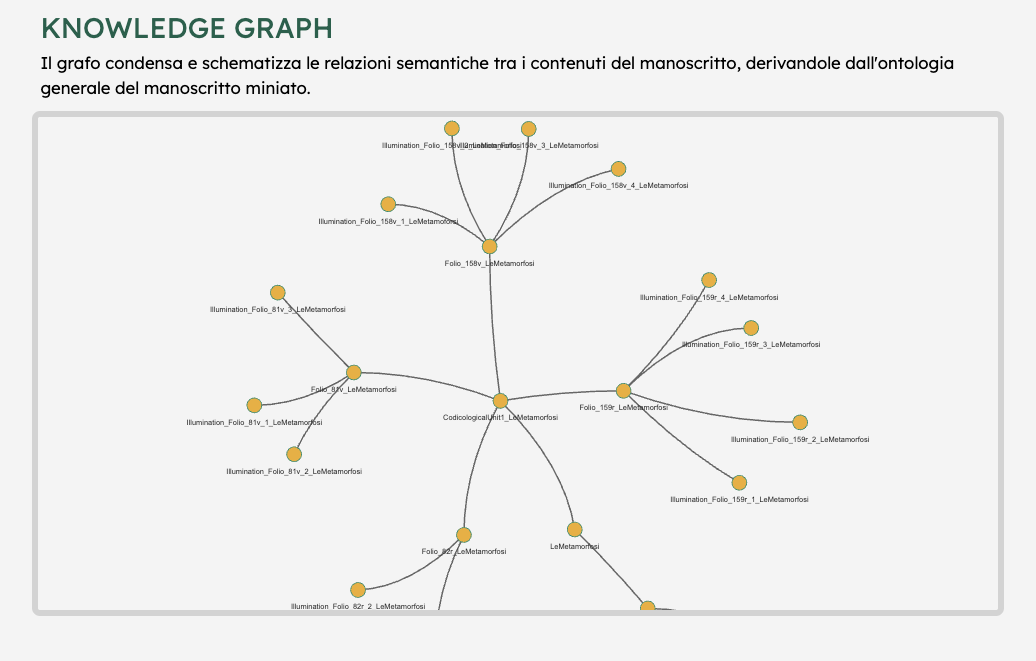
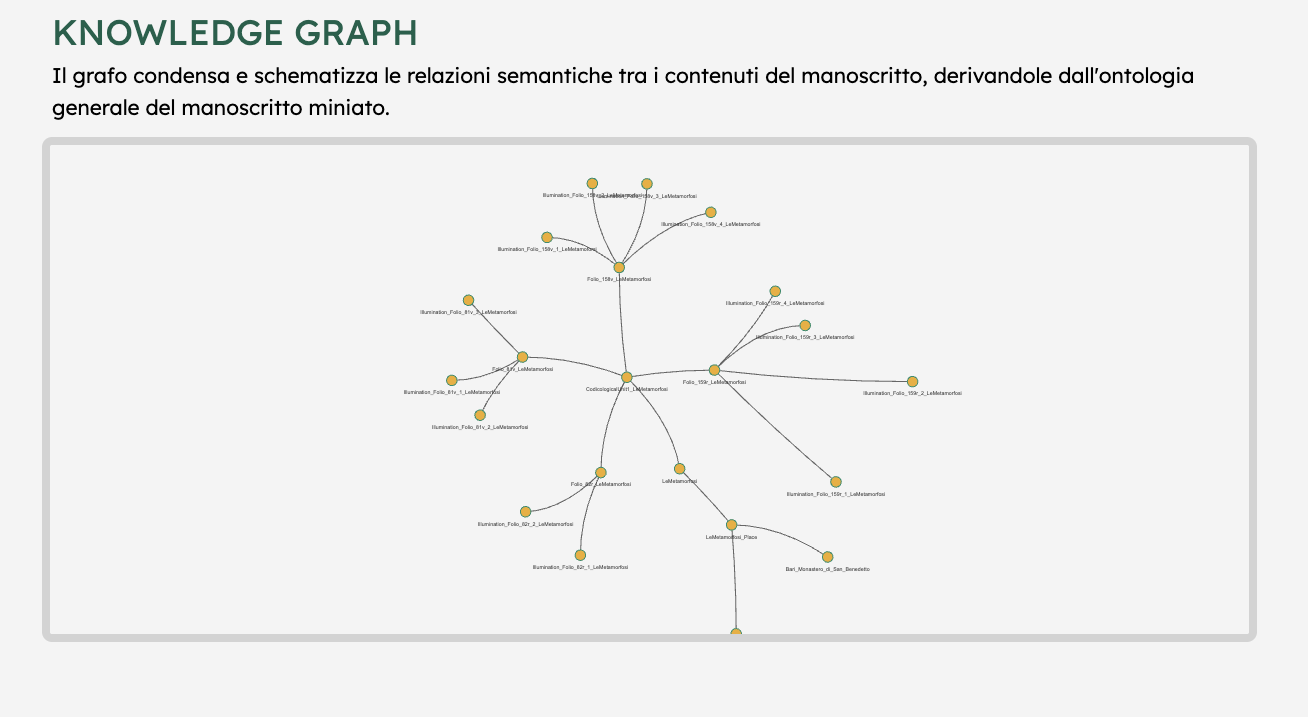
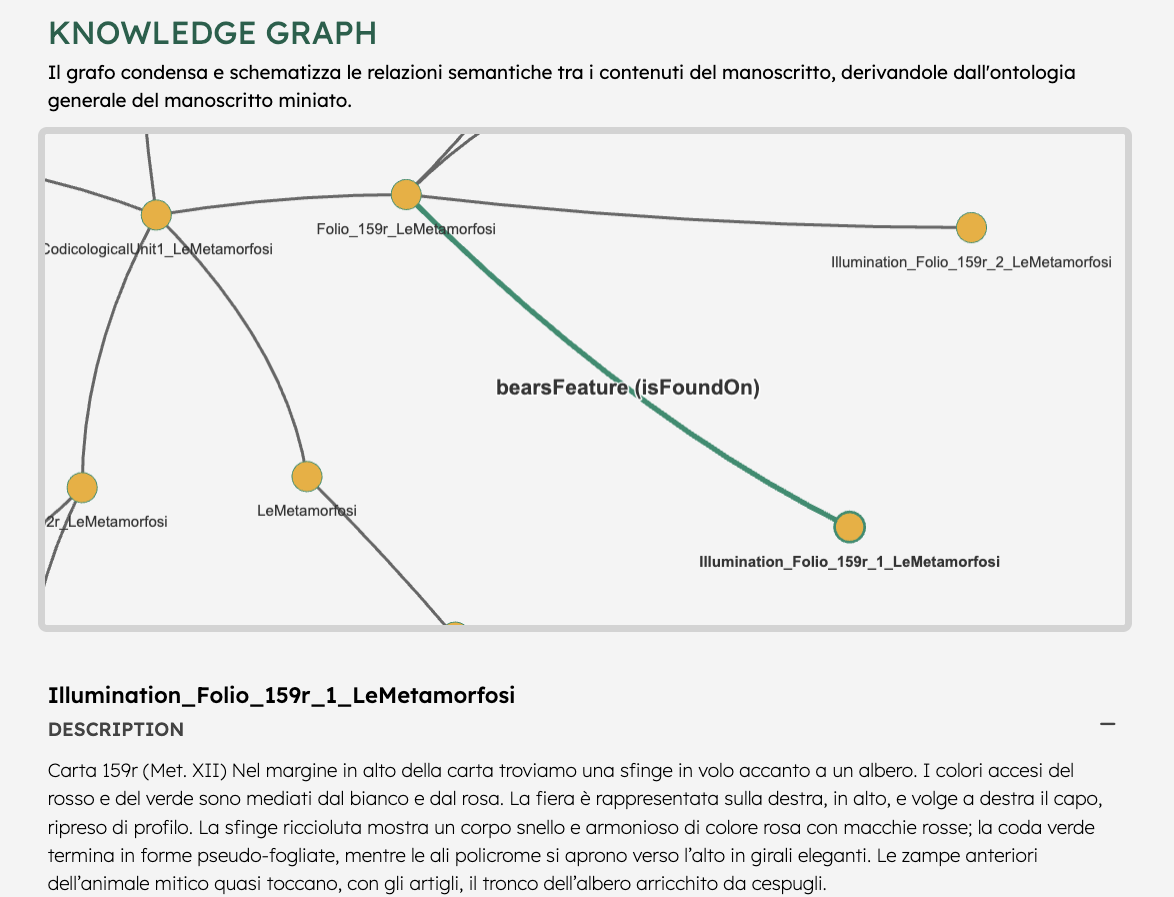
● the knowledge graph
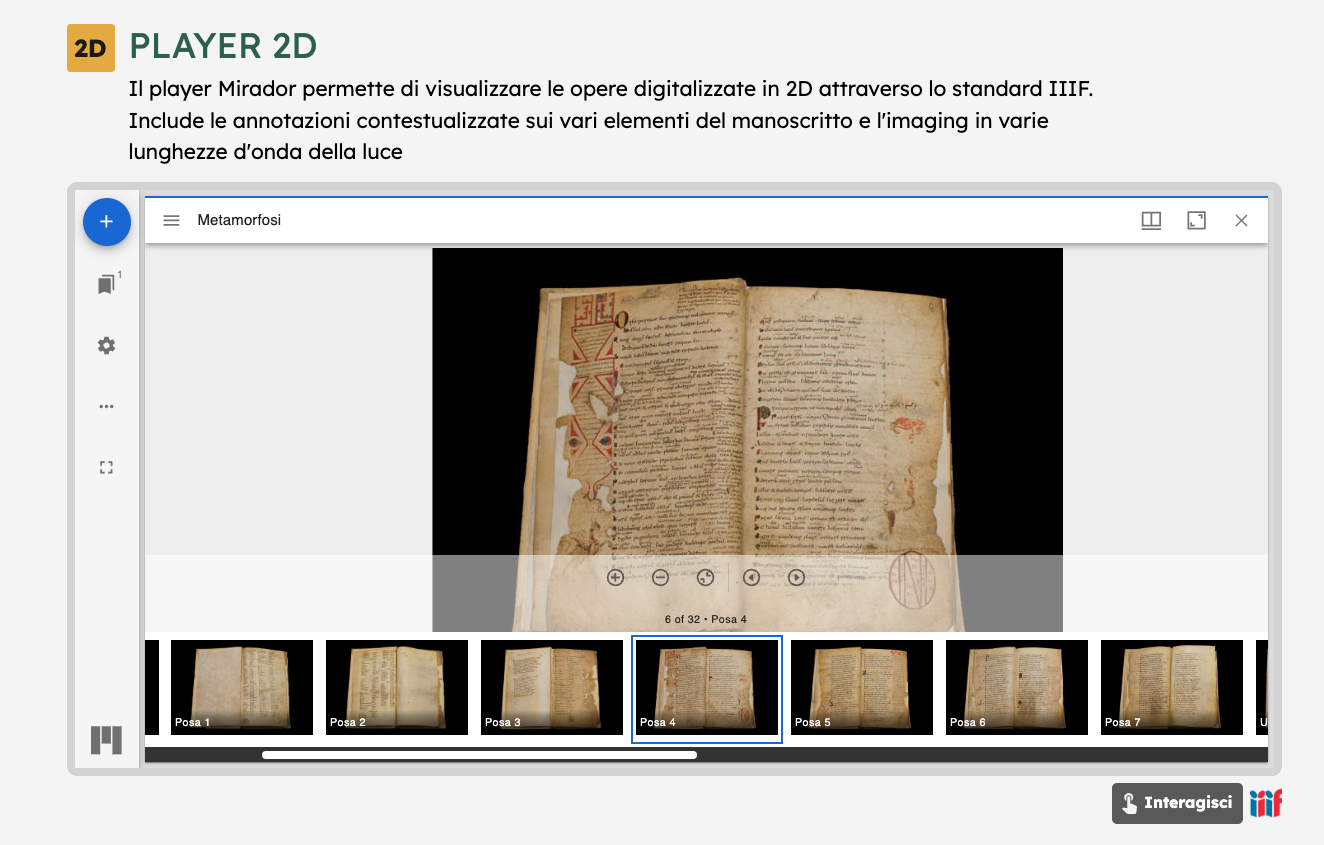
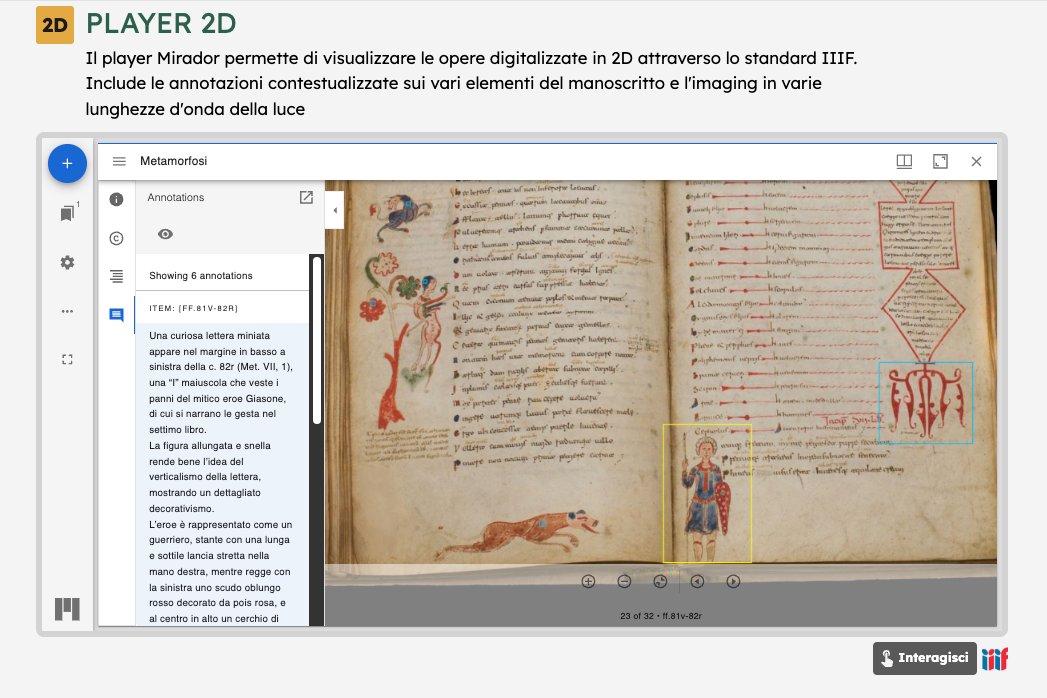
● the 2D viewer
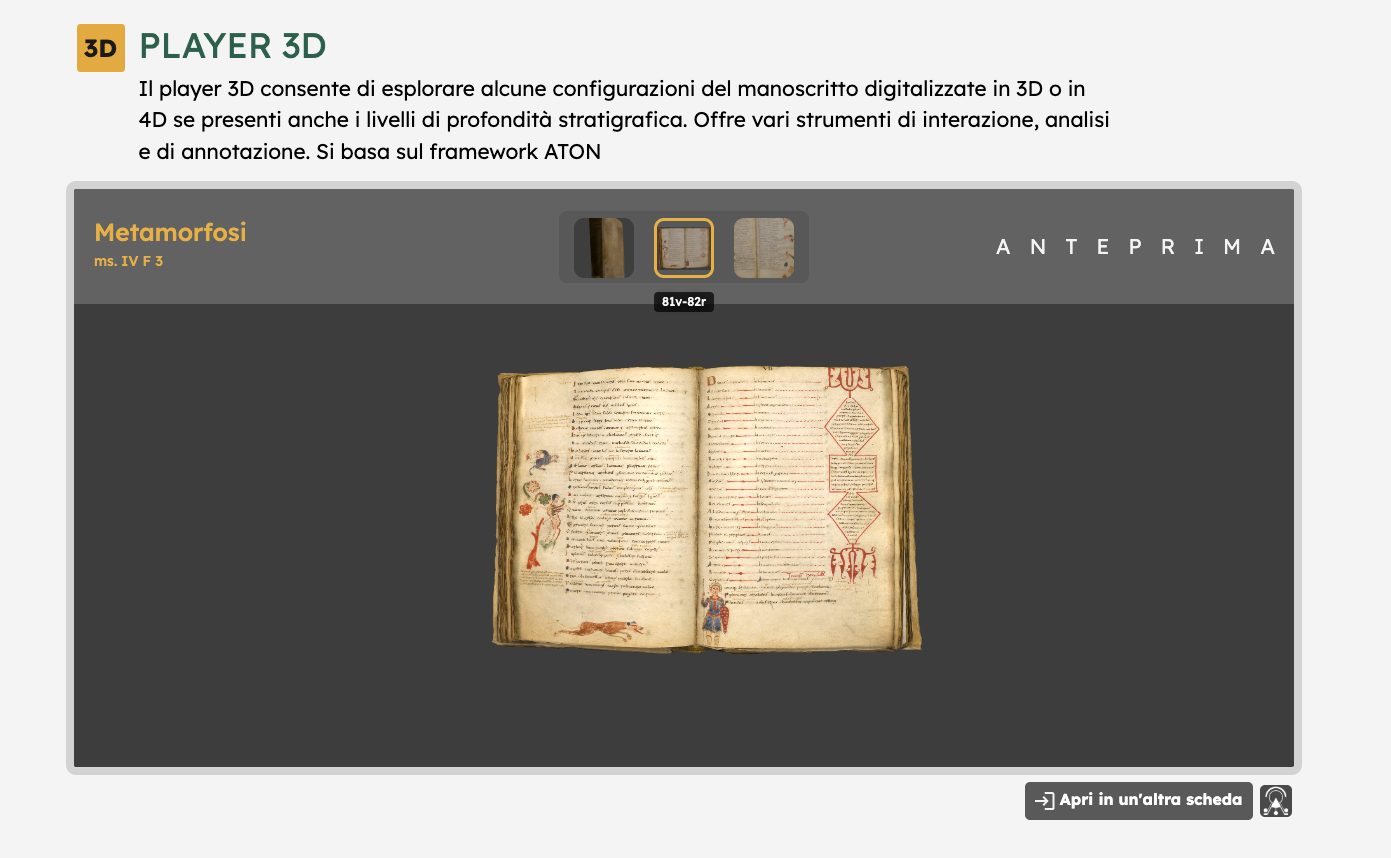
● the 3D player.
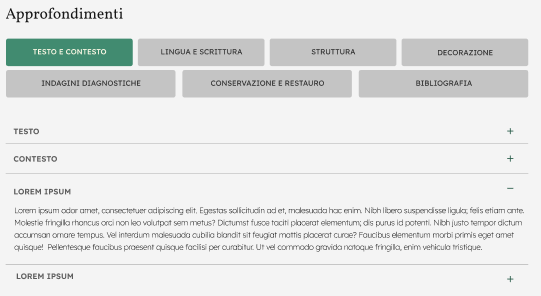
It follows a sections dedicated to in-depth description of the manuscript, structured in the following topics (with subsections):
● Text and Context
● Language and Writing
● Structure
● Decoration
● Diagnostic Investigations
● Preservation and Restoration
● Bibliography
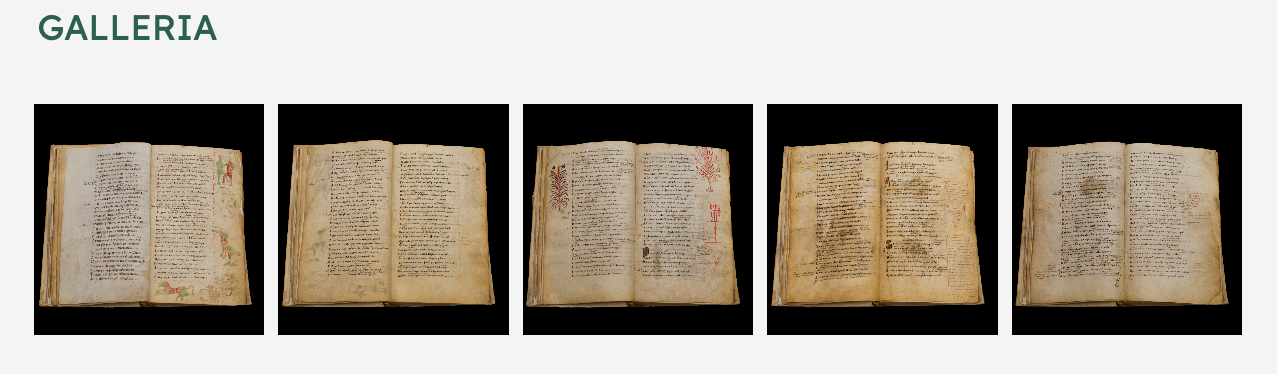
A photogallery closes the webpae, where images related to the research activitites carried out can be shown, (diagnostic campaigns etc.)
In this cohesive digital ecosystem in each module reinforces the others. The platform does not impose a single direction but offers a multiplicity of interpretative trajectories, establishing itself as a flexible and deeply interactive research tool.
The representation of the manuscript through a knowledge graph enables the structured and interconnected modeling of information pertaining to the manuscript itself, such as its constituent parts, textual contents, iconographic elements, authors and historical context.
Thanks to the integration of this tool, the platform offers dynamic exploration features, such as drag-and-drop of nodes, automatic network resizing based on the loaded data and clickable nodes for viewing detailed information.
The 2D player, developed with Mirador—an open-source tool compatible with the IIIF protocol—offers an interactive, customizable way to explore and analyze manuscripts in detail. Manuscripts are presented as a scrollable sequence of pages (MANIFEST) with thumbnail navigation or full-screen view.
Mirador supports deep zoom thanks to image tiling, allowing inspection of fine details without performance issues. Its multi-window comparison feature enables simultaneous viewing of different manuscripts or folios, useful for analyzing styles, annotations, or restorations. Synchronized panels help maintain consistent zoom and position. Integrated annotation tools allow users to tag image areas with comments or metadata, following interoperable standards—crucial for scholarly work. https://projectmirador.org/
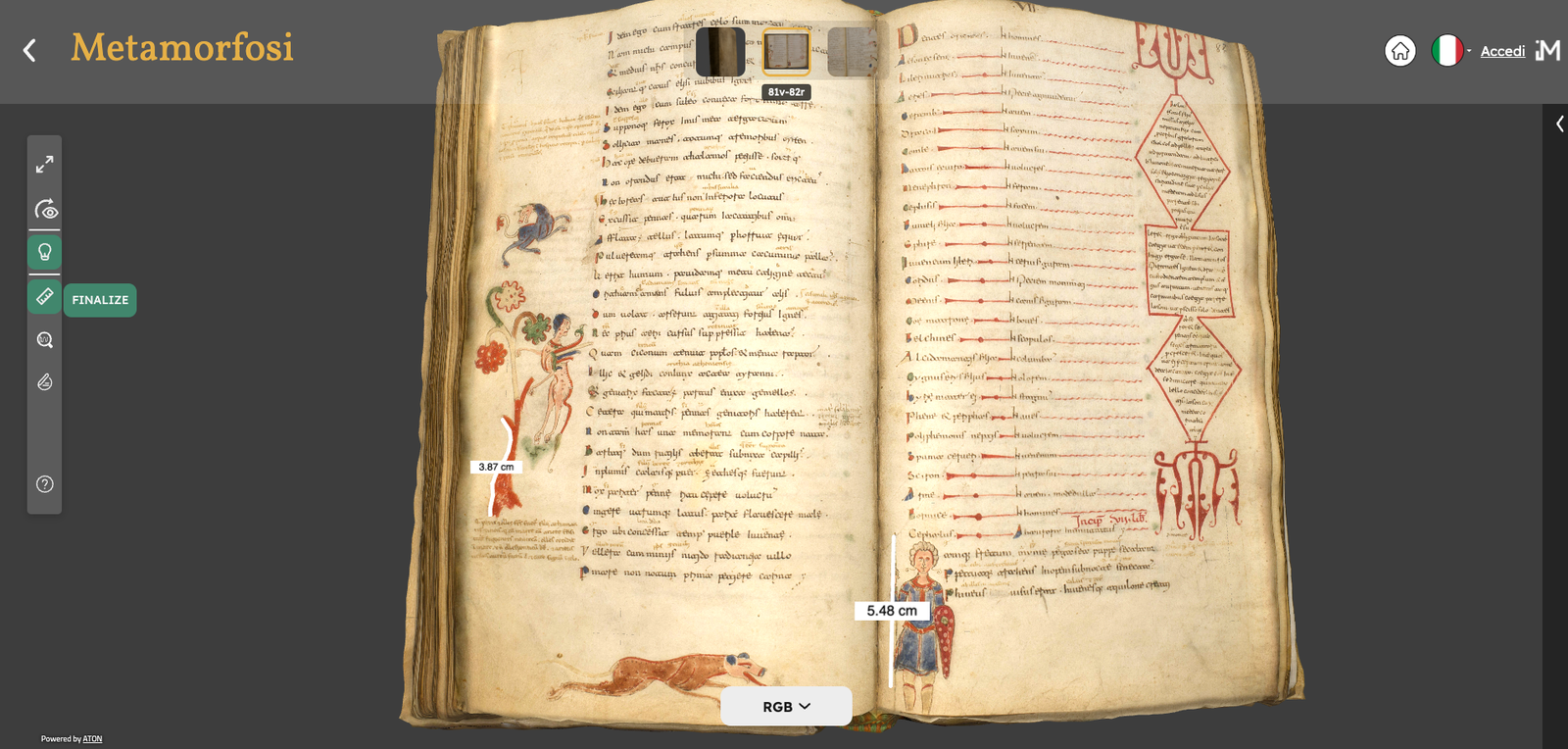
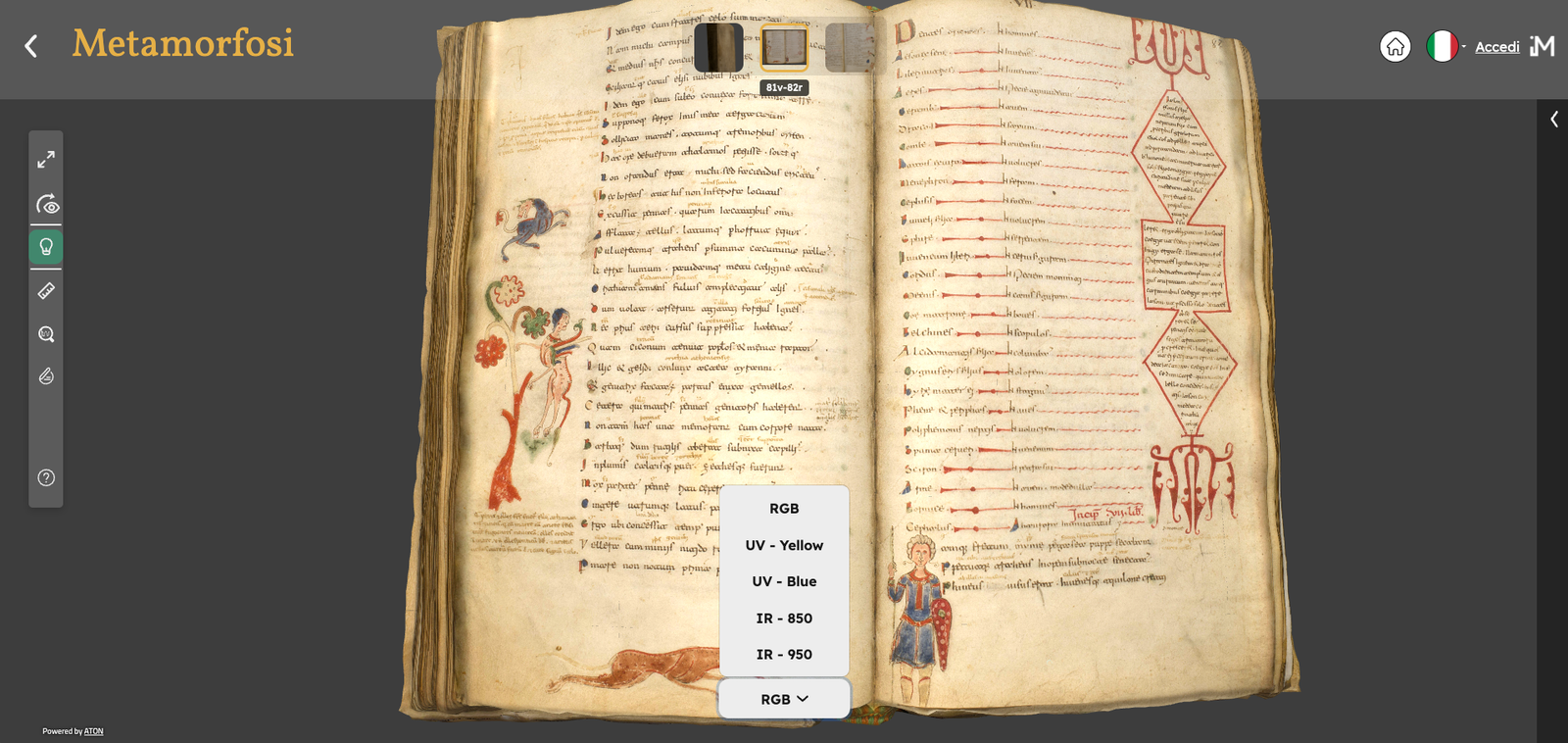
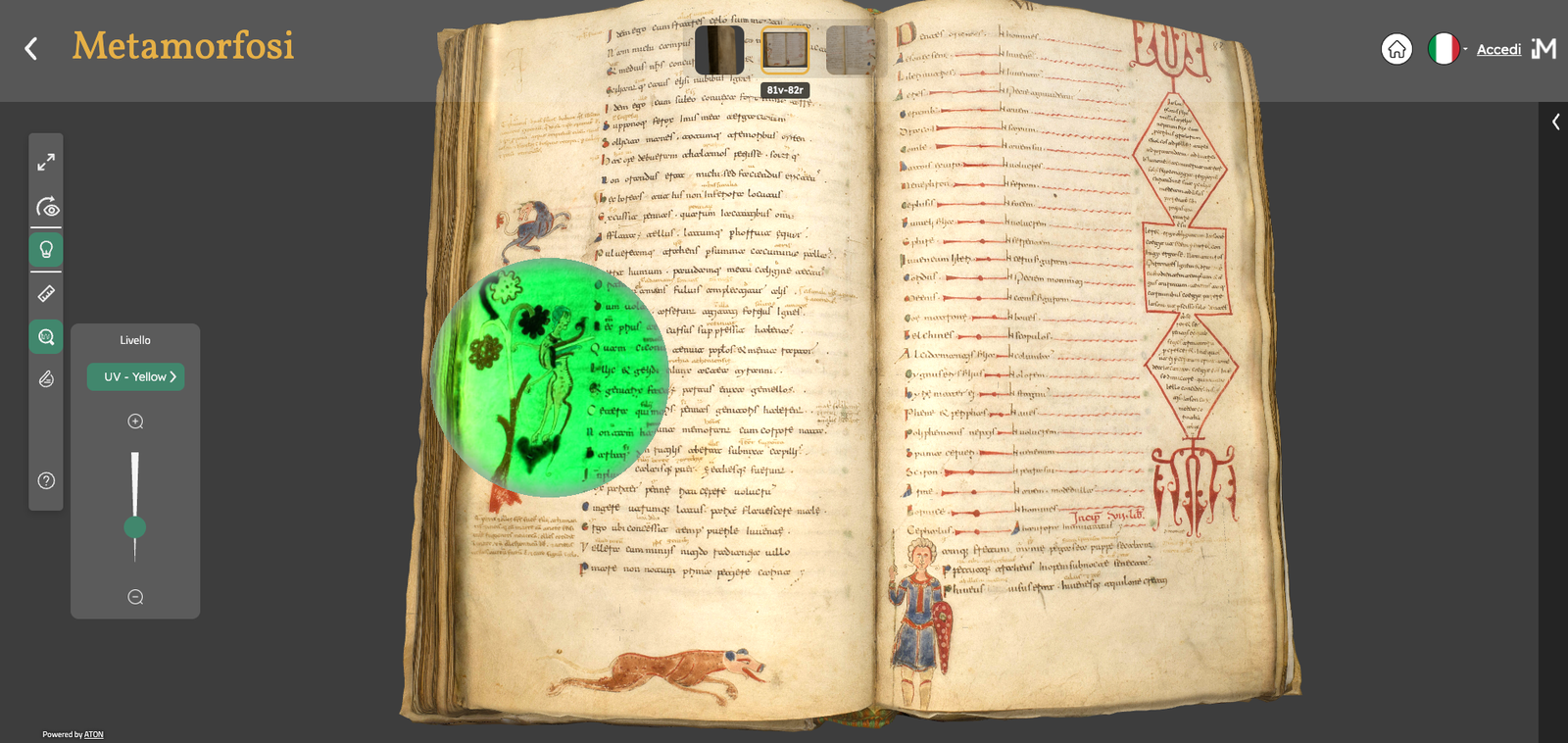
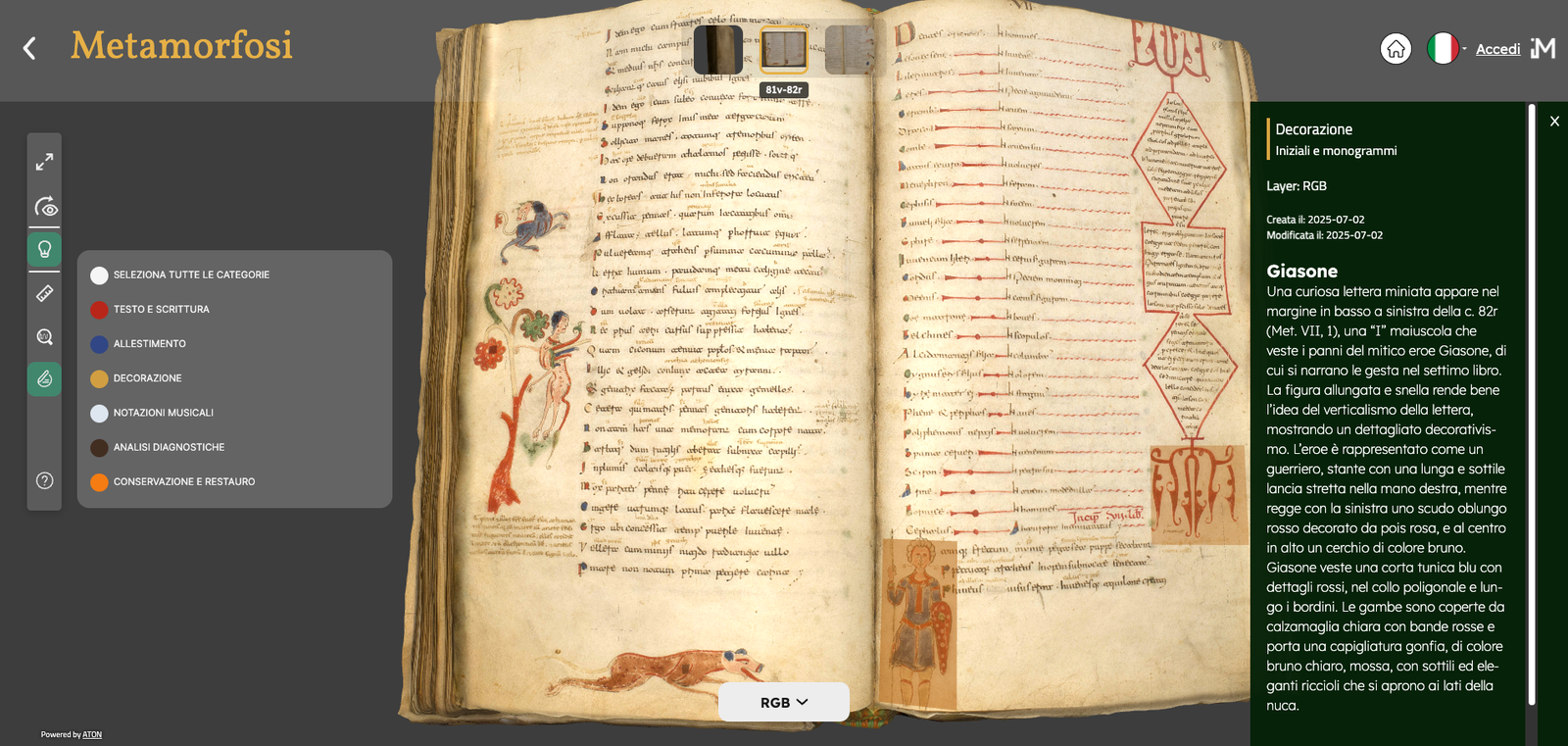
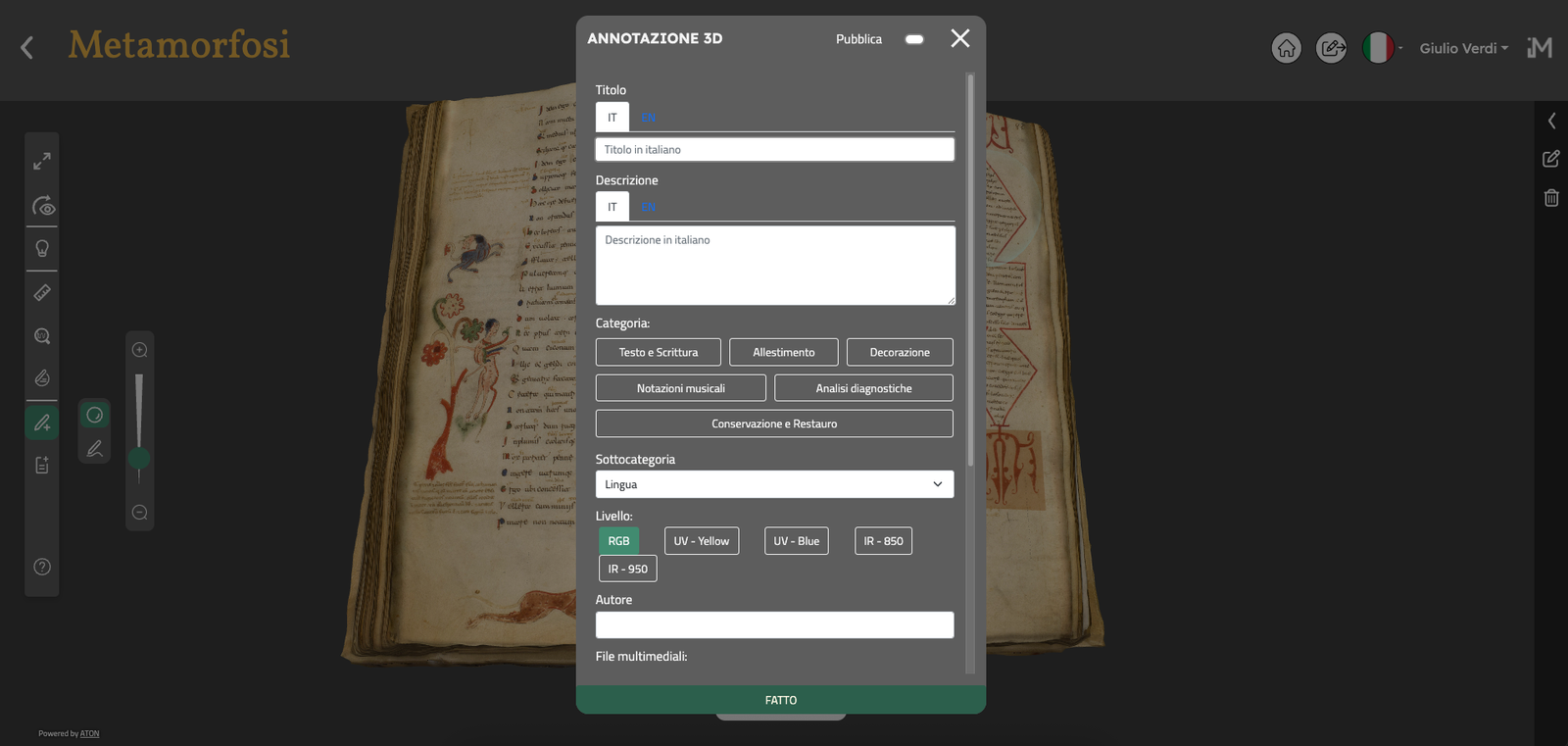
The 3D player provides an advanced virtual environment for interactive spatial analysis and multidimensional exploration of manuscripts. It is developed in ATON, an open source framework created by CNR ISPC
It incorporates several interactive tools:
● Revealing lens: reveals information invisible to the naked eye, such as infrared levels, UV fluorescence, or other multispectral channels
● 3D semantic annotation: authorized users can insert annotations directly onto the 3D models, associating them with predefined categories within the project’s information architecture
● Interactive lighting: simulates the behavior of light on the 3D model
● Measurement: allows users to calculate distances and dimensions
● 3D scene editing and enrichment: authorized users can add or modify 3D poses and associate different informational layers (such as RGB, IR, UV, etc.) for each pose.
Three-dimensional poses can be generated using glTF-format 3D files or Cesium 3D Tiles, thus supporting multiresolution models and ensuring high-quality visual rendering.